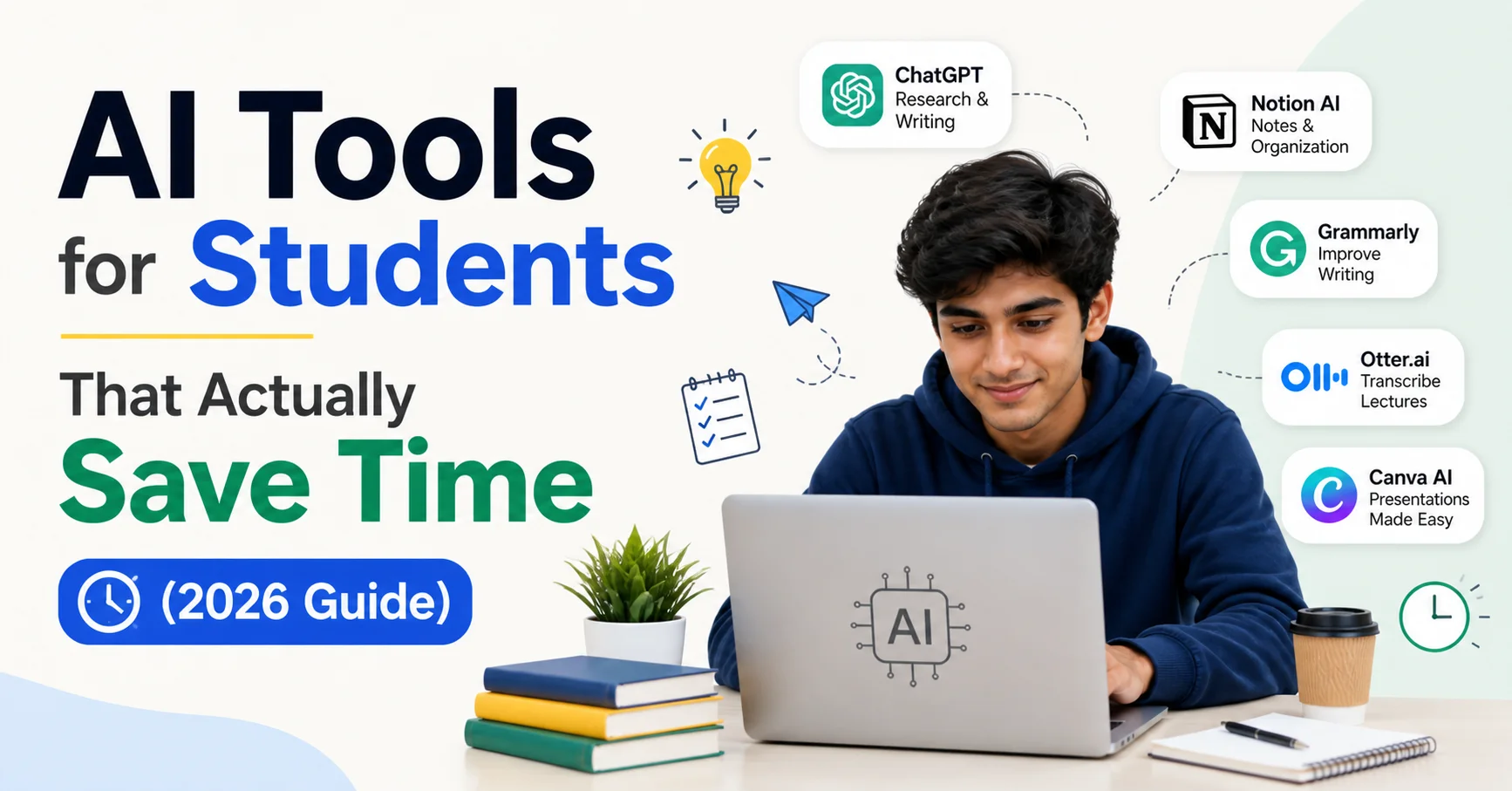
In today’s fast-paced academic world, students are constantly looking for smarter ways to study, complete assignments, and manage time. That’s where AI tools come in. But not every tool is useful—some are just hype.
In this guide, we’ll explore AI tools for students that actually save time, improve productivity, and make studying easier. Whether you’re in school, college, or preparing for exams like FMGE or NEET, these tools can make a real difference.
Why Students Should Use AI Tools
AI tools are not just about technology—they are about saving time and effort.
Here’s how they help:
- Reduce study time with quick explanations
- Automate notes and summaries
- Improve writing and assignments
- Help in research without confusion
- Manage daily tasks efficiently
👉 Instead of spending 5–6 hours struggling, you can finish the same work in 2–3 hours with the right tools.
Best AI Tools for Students That Actually Work
1. ChatGPT – Your Personal Study Assistant
This is one of the most powerful AI tools for students.
What it does:
- Explains difficult topics in simple words
- Creates short notes and summaries
- Helps in assignments and essays
- Generates practice questions
Why it saves time:
Instead of searching multiple websites, you get everything in one place.
👉 Example: Ask “Explain kidney function in simple words” and get instant clarity.
2. Perplexity AI – Fast Research Tool
Research can take hours, but this tool makes it quick.
What it does:
- Gives direct answers with sources
- Summarizes long articles
- Provides accurate information
Why it saves time:
No need to open 10 tabs on Google.
👉 Perfect for projects, case studies, and reports.
3. Grammarly – Writing Made Easy
Writing assignments can be time-consuming.
What it does:
- Fixes grammar mistakes
- Improves sentence clarity
- Suggests better wording
Why it saves time:
No need to manually edit your work again and again.
👉 Great for emails, essays, and reports.
4. Notion AI – Notes + Planning in One Place
This tool is perfect for organizing your study life.
What it does:
- Creates notes automatically
- Summarizes long content
- Manages tasks and to-do lists
Why it saves time:
Everything is stored in one place—no need for multiple apps.
5. Otter.ai – Lecture Notes in Seconds
If you struggle with writing notes during lectures, this tool helps.
What it does:
- Records lectures
- Converts speech into text
- Highlights key points
Why it saves time:
You can focus on understanding instead of writing.
6. Wolfram Alpha – Math & Science Helper
Ideal for students dealing with calculations.
What it does:
- Solves equations step-by-step
- Explains formulas
- Helps in physics and chemistry
Why it saves time:
No need to solve everything manually.
7. Canva – Quick Presentations
Creating presentations can take hours.
What it does:
- Ready-made templates
- AI-generated slides
- Easy drag-and-drop design
Why it saves time:
Create professional PPTs in minutes.
8. GitHub Copilot – For Coding Students
If you are learning programming, this tool is a game-changer.
What it does:
- Suggests code automatically
- Fixes errors
- Speeds up development
Why it saves time:
Reduces debugging and typing effort.
9. AI Scheduling Tools (Motion / Reclaim)
Time management is often ignored but very important.
What they do:
- Automatically plan your day
- Schedule study sessions
- Adjust tasks dynamically
Why they save time:
No need to manually plan everything.
How These AI Tools Actually Save Time
Let’s look at a simple comparison:
| Task | Without AI | With AI |
|---|---|---|
| Research | 2–3 hours | 30 minutes |
| Notes making | 1–2 hours | 20 minutes |
| Writing | 2 hours | 45 minutes |
| PPT creation | 3 hours | 1 hour |
👉 Total time saved daily: 3–5 hours
Best AI Tools Combination (Simple Setup)
You don’t need all tools. Just use this combo:
- ChatGPT → Study & doubts
- Perplexity AI → Research
- Notion AI → Notes
- Grammarly → Writing
👉 This setup is enough for most students.
Mistakes Students Should Avoid
Even good tools can be misused.
❌ Copy-pasting without understanding
👉 Always learn the concept
❌ Using too many tools
👉 Stick to 2–3 tools only
❌ Depending completely on AI
👉 Use AI as support, not replacement
Tips to Use AI Tools Smartly
- Ask clear questions
- Use AI for revision
- Practice questions yourself
- Combine AI with your own notes
👉 Smart use = Better results + more time saved
Future of AI in Education
AI is becoming a major part of learning.
- Personalized learning will grow
- Faster doubt solving
- Better exam preparation
Students who use AI wisely will have a huge advantage.
Conclusion
AI tools are not just trends—they are powerful helpers for students. Tools like ChatGPT, Perplexity AI, and Notion AI can save hours of work every day.
The key is simple:
👉 Use fewer tools
👉 Use them smartly
👉 Focus on learning
If used correctly, AI can help you study faster, reduce stress, and improve your results.
FAQs
1. Which AI tool is best for students?
ChatGPT is the best all-in-one tool for studying, writing, and problem-solving.
2. Are AI tools safe for students?
Yes, if used responsibly for learning and not just copying answers.
3. Can AI replace studying?
No, AI can help but cannot replace real understanding.
4. How many AI tools should a student use?
2–4 tools are enough for most students.
5. Do AI tools really save time?
Yes, they can save 3–5 hours daily if used properly.