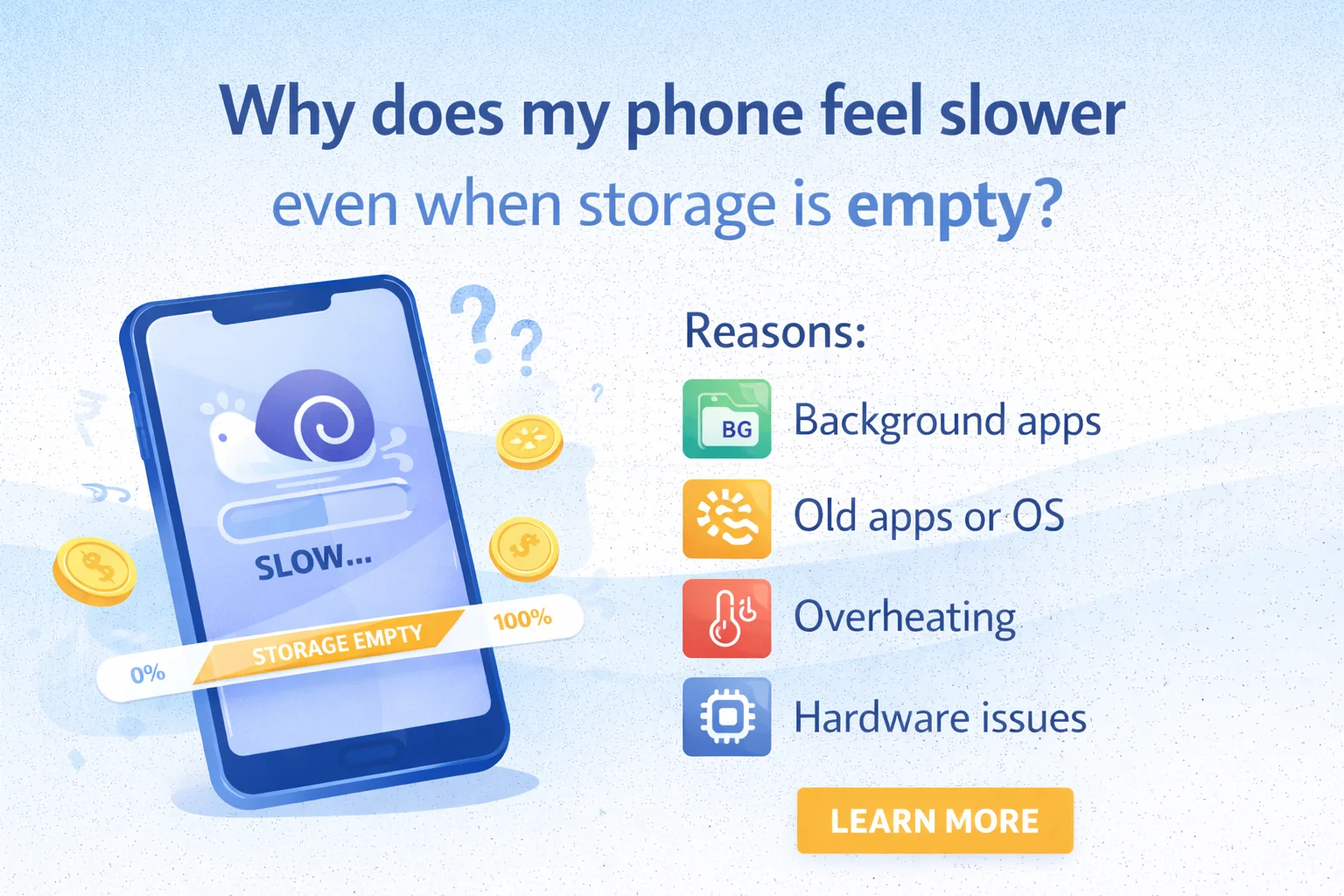
You might think that deleting photos and apps should make your phone fast again—but performance depends on much more than just storage.
Even with plenty of free space, your phone can slow down due to software, hardware, and background activity.
Main Reasons Your Phone Feels Slow
1. Too Many Background Apps
Apps continue running even when you’re not using them.
- They consume RAM (not storage)
- Reduce processing power
- Drain battery and slow everything down
👉 This is one of the most common reasons.
2. Low RAM, Not Storage
Storage (GB) and RAM are different.
- Storage = space for files
- RAM = memory for running apps
If your phone has low RAM (like 3–4GB), it will lag even if storage is empty.
3. Software Updates Slow Older Phones
New updates are designed for newer hardware.
- Older phones struggle to keep up
- Apps become heavier over time
- Leads to lag and slower response
4. Cached Data and Hidden Files
Apps store temporary files (cache), which can:
- Build up over time
- Cause performance issues
- Not always visible as “storage used”
5. Battery Health Issues
A weak battery can slow down your phone.
- Phones reduce performance to save power
- Especially common in older devices
6. Overheating
Heat reduces performance automatically.
- Gaming, charging, or hot weather
- Phone slows down to prevent damage
7. Too Many Animations and Effects
Heavy UI animations make phones feel slower.
- Especially noticeable on budget devices
- Adds delay to every action
8. Malware or Heavy Apps
Some apps:
- Run ads in background
- Track activity
- Use CPU constantly
This can slow down your phone significantly.
Also Read: Does Airplane Mode Charge Phone Faster? Real Test Explained
Quick Ways to Speed Up Your Phone
✔ Restart Your Phone
Simple but effective—clears RAM instantly.
✔ Clear Cache
- Go to Settings → Storage → Cached Data
- Clear unnecessary files
✔ Uninstall Unused Apps
Even unused apps may run in background.
✔ Limit Background Apps
- Disable auto-start apps
- Restrict background activity
✔ Reduce Animations
- Enable Developer Options
- Set animation scale to 0.5x or off
✔ Update Wisely
- Avoid heavy updates on very old phones
- Keep apps updated instead
✔ Check Battery Health
Replace battery if it’s degraded.
Pro Tip
Even a brand-new phone can feel slow if too many apps are running in the background. Performance depends more on RAM, processor, and optimization than just storage.
FAQs
1. Does deleting photos make phone faster?
Only slightly. It helps storage, not performance directly.
2. Why is my phone slow after update?
New updates require more power, which older phones may lack.
3. How often should I restart my phone?
Once every few days is ideal.
4. Is factory reset a good option?
Yes, if the phone is very slow—it gives a fresh start.
5. Can viruses slow down phones?
Yes, malicious apps can heavily impact performance.
Conclusion
Your phone slowing down—even with empty storage—is completely normal. The real culprits are RAM usage, background apps, updates, and hardware limitations.
Focus on optimizing usage rather than just clearing storage—and your phone will feel much faster.
Also Read: Phone Heating While Using Instagram or Reels? Real Reasons & Easy Fixes (2026 Guide)