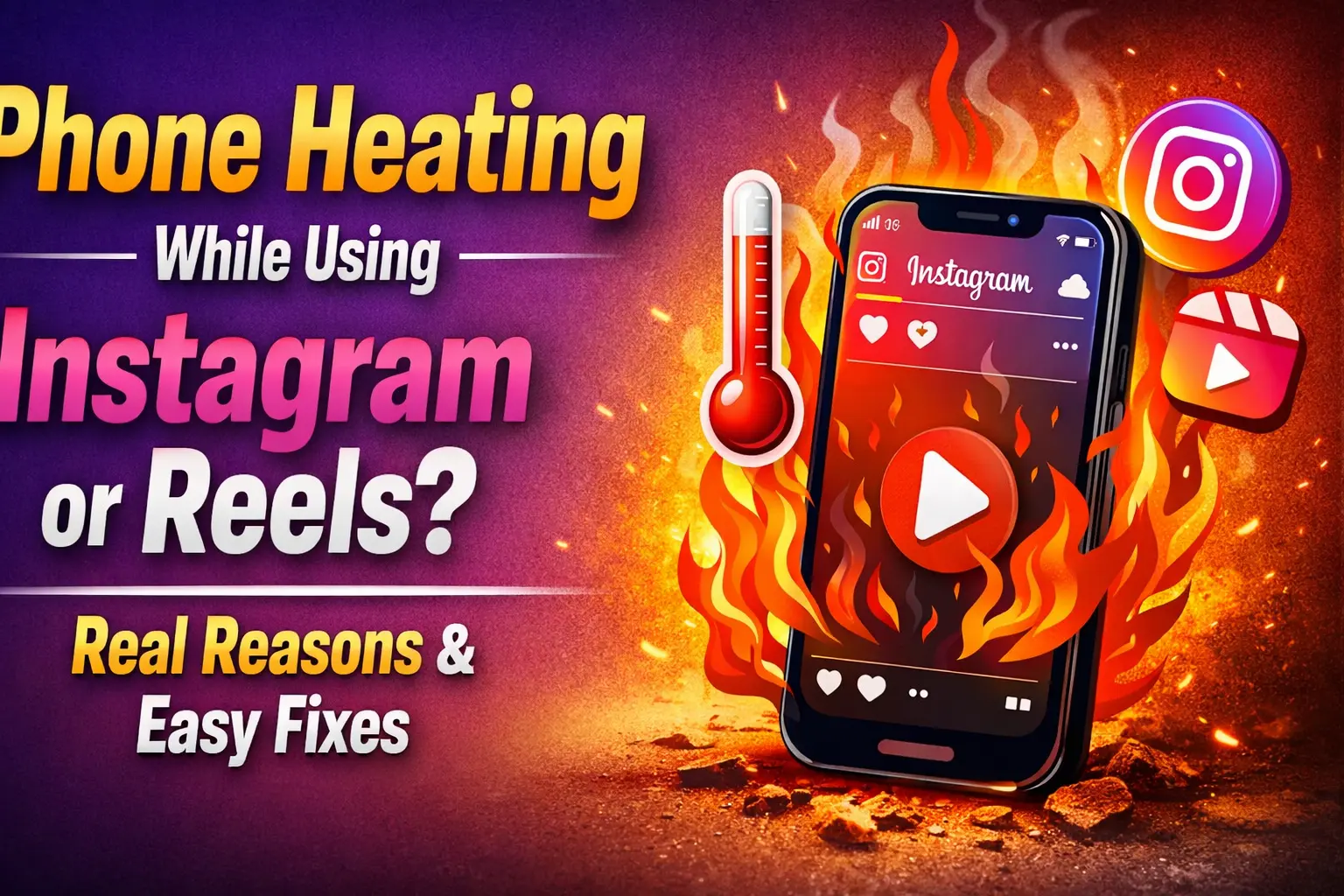
Introduction: Why Does My Phone Heat Up on Instagram?
If your phone starts heating up while scrolling Instagram or watching Reels, you are not alone. In 2026, this has become one of the most common mobile complaints worldwide.
Many users ask:
- Why does my phone heat only on Instagram?
- Is Instagram damaging my phone battery?
- Can Reels cause phone overheating?
- Should I stop using Instagram?
The good news is: most of the time, phone heating is not dangerous. But it does mean your phone is working very hard.
In this article, we will explain:
- The real reasons behind phone heating on Instagram
- Whether it’s harmful or normal
- Easy fixes anyone can apply
- When you should actually worry
All explained in simple words, without technical confusion.
What Is Instagram Reels and Why It Uses So Much Power?
Instagram Reels are short, high-quality videos that auto-play continuously. Unlike photos or text, videos require:
- High CPU usage
- High GPU usage
- Continuous internet connection
- Constant screen activity
This combination makes your phone work harder, which produces heat.
Is Phone Heating While Using Instagram Normal?
Short Answer: ✅ Yes, to an extent
Phones are designed to heat up when:
- Processing videos
- Using the internet continuously
- Running heavy apps
Instagram Reels combine all three.
However, excessive heating is not normal and should be fixed.
Main Reasons Why Phone Heats While Using Instagram or Reels
Let’s break down the real causes, one by one.
1. Continuous Video Playback (Biggest Reason)
Instagram Reels:
- Auto-play without stopping
- Load new videos every second
- Play HD or 4K content
Your phone’s processor never gets rest.
Result:
👉 More power usage = more heat
This happens more on:
- Long scrolling sessions
- “Just one more reel” habits 😄
2. High Screen Brightness
Instagram is a visual-heavy app.
If:
- Brightness is set to high
- You’re outdoors
- Phone is under sunlight
Then:
- Screen generates heat
- Battery drains faster
OLED and AMOLED screens heat more at high brightness.
3. Mobile Data Instead of Wi-Fi
Using Instagram on mobile data causes more heating than Wi-Fi.
Why?
- Phone constantly searches for signal
- Network switching (4G ↔ 5G)
- Weak signal areas increase load
If you use Reels in:
- Lifts
- Trains
- Basements
Heating becomes worse.
4. Poor Network Signal
Low signal = high power consumption.
Your phone:
- Boosts antenna power
- Retries data requests
- Struggles to load videos
This leads to:
👉 Phone heating + battery drain
5. Background Apps Running
If apps like:
- YouTube
- Chrome
- Games
- Music apps
Are running in background while using Instagram, your phone handles multiple tasks at once.
More tasks = more heat.
6. Old Phone or Aging Battery
Older phones heat faster because:
- Battery efficiency reduces
- Thermal control becomes weaker
- New apps are optimized for newer hardware
Phones older than 3–4 years are more affected.
7. Instagram App Bugs or Updates
Sometimes the problem is not your phone, but the app.
Instagram updates may:
- Have bugs
- Cause memory leaks
- Increase CPU usage temporarily
This usually fixes itself after next update.
8. Using Phone While Charging
This is a major mistake.
When you:
- Use Instagram
- While phone is charging
The phone:
- Charges battery
- Discharges battery
- Runs heavy app
All at the same time.
Result:
🔥 Rapid heating
9. Phone Cover Blocking Heat
Thick covers:
- Trap heat
- Prevent airflow
- Increase internal temperature
This is common with:
- Rubber covers
- Leather cases
- Wallet covers
Is Phone Heating While Using Instagram Dangerous?
Usually: ❌ No
Sometimes: ⚠️ Yes
Normal heating:
- Warm back panel
- Slight temperature rise
- No warning messages
Danger signs:
- Phone becomes too hot to touch
- App crashes frequently
- Phone shuts down automatically
- Battery drains extremely fast
If you notice danger signs, stop usage immediately.
Does Instagram Damage Phone Battery?
Directly: ❌ No
Indirectly: ⚠️ Yes (if abused)
Heat is the enemy of battery life.
Regular overheating can:
- Reduce battery capacity
- Shorten battery lifespan
- Cause faster battery drain over time
This is why controlling heat is important.
Easy Fixes to Stop Phone Heating on Instagram
Now let’s talk about practical solutions you can apply today.
1. Reduce Screen Brightness
- Use auto-brightness
- Avoid maximum brightness
- Especially indoors
2. Use Wi-Fi Instead of Mobile Data
Wi-Fi is:
- More stable
- Less power-hungry
- Cooler for your phone
3. Close Background Apps
Before opening Instagram:
- Clear recent apps
- Stop unused apps
4. Take Short Breaks
Avoid:
- 1–2 hours continuous scrolling
Do:
- 10–15 minute breaks
Your phone needs rest too.
5. Remove Phone Cover Temporarily
If phone feels hot:
- Remove cover
- Let heat escape
6. Update Instagram App
Always use:
- Latest stable version
- Avoid beta versions if heating occurs
7. Avoid Using Instagram While Charging
Let phone:
- Charge fully
- Then use Instagram
8. Switch Network Mode (Optional)
If heating is high:
- Switch from 5G to 4G
- Especially in low-signal areas
9. Restart Phone Once a Day
Simple but effective:
- Clears memory
- Stops background processes
Should You Uninstall Instagram Because of Heating?
❌ No, not required.
Instagram is safe to use if:
- You manage usage
- Follow basic precautions
- Avoid long continuous sessions
Heating alone does not mean your phone is damaged.
Instagram vs Other Apps: Is It Worse?
Compared to:
- WhatsApp → Low heat
- Facebook → Medium heat
- YouTube → Medium–High heat
- Instagram Reels → High heat
So yes, Reels heat phones more than most apps.
When Should You Visit a Service Center?
Go to service center if:
- Phone heats even without usage
- Battery swells
- Phone shuts down often
- Heating happens on all apps
Otherwise, Instagram-related heating is usually manageable.
Final Verdict: Should You Worry?
Honest Answer:
❌ Don’t panic
⚠️ Don’t ignore
✅ Use smartly
Phone heating while using Instagram or Reels is common in 2026 due to heavy video content.
With small changes, you can greatly reduce heating and protect your battery.
FAQs: Phone Heating & Instagram Reels
1. Is phone heating while using Instagram normal?
Yes, mild heating is normal.
2. Does Instagram Reels damage battery?
Not directly, but excessive heat can reduce battery life.
3. Why does phone heat only on Instagram?
Because Reels use heavy video processing and internet.
4. Is heating worse on Android or iPhone?
Depends on phone model, age, and battery health.
5. Should I stop using Instagram?
No, just use it wisely.
6. Does 5G cause more heating on Instagram?
Yes, especially in low-signal areas.
Conclusion
Instagram Reels are fun, but they demand a lot from your phone.
Phone heating is a performance issue, not a privacy or safety threat.
Control brightness, network, usage time, and updates—and your phone will stay cool and healthy.