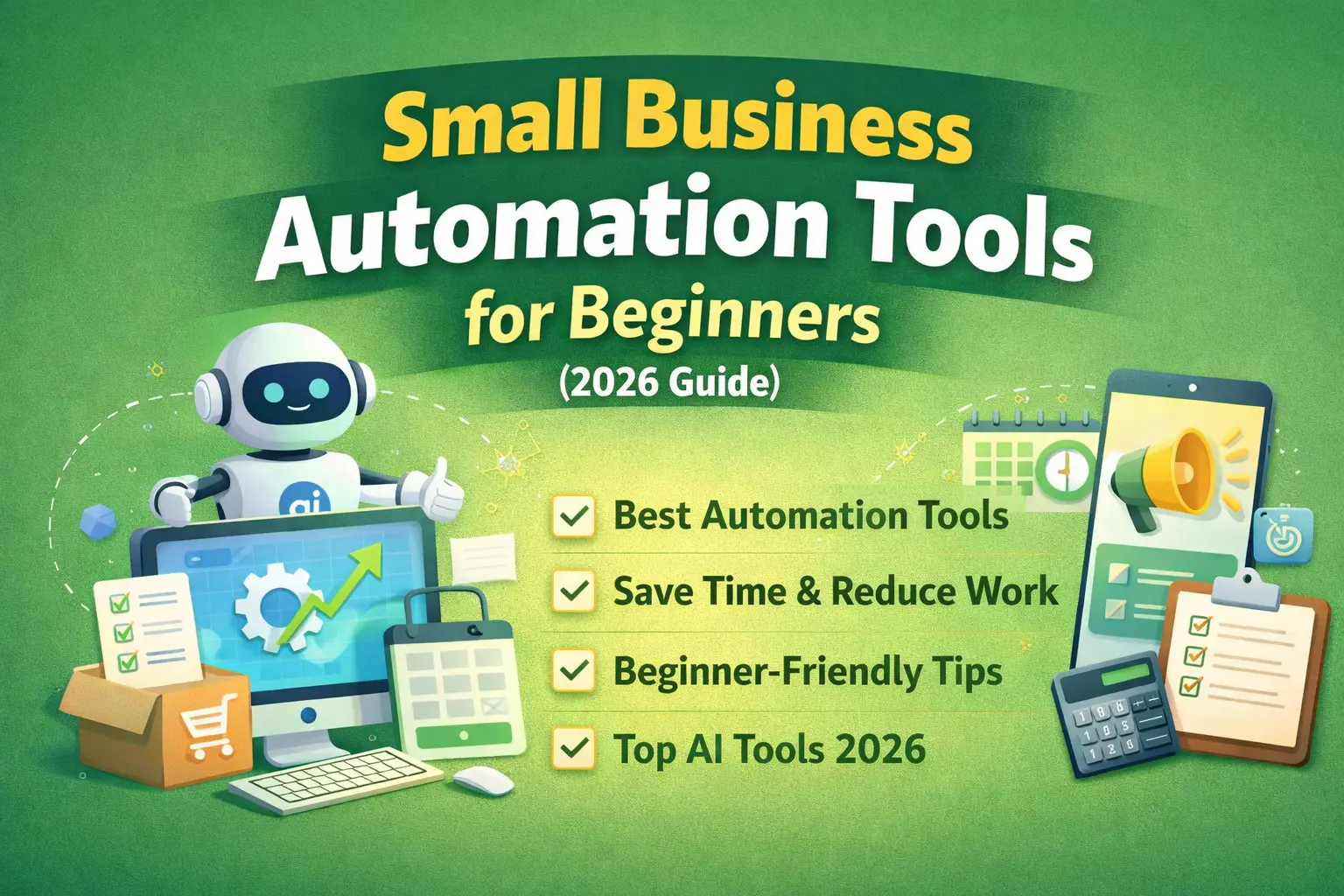
Running a small business is not easy. You have to manage customers, sales, marketing, accounts, and many daily tasks. Doing everything manually takes a lot of time and energy.
That’s where automation tools help.
These tools can save time, reduce mistakes, and grow your business faster. In this guide, you will learn the best automation tools for beginners in simple language.
What is Small Business Automation?
Small business automation means using software or tools to do repetitive tasks automatically.
For example:
- Sending emails automatically
- Posting on social media
- Managing customer data
- Tracking expenses
👉 Instead of doing everything manually, tools do the work for you.
Why Automation is Important
Automation is becoming very popular in 2026 because:
- Saves 10–20 hours per week
- Reduces human errors
- Helps small teams work like big companies
- Improves customer experience
👉 Even small businesses can now use AI tools easily.
Types of Automation Tools (Beginner Friendly)
1. Workflow Automation Tools
These tools connect different apps and automate tasks.
🔹 Popular Tools:
- Zapier
- Make (Integromat)
- IFTTT
👉 These tools help you connect apps like Gmail, WhatsApp, Excel, etc.
For example:
- New customer → automatically add to Google Sheet
- New order → send confirmation email
Platforms like Make allow advanced workflows with visual automation and logic
2. Email Marketing Automation Tools
These tools send emails automatically to customers.
🔹 Popular Tools:
- Mailchimp
- Brevo (Sendinblue)
- ActiveCampaign
👉 Use cases:
- Welcome emails
- Offers and discounts
- Follow-up emails
3. CRM (Customer Management Tools)
CRM tools help you manage customers and leads.
🔹 Popular Tools:
- Zoho CRM
- HubSpot
- LeadSquared
👉 What they do:
- Store customer data
- Track sales
- Automate follow-ups
4. Social Media Automation Tools
Posting daily on social media is time-consuming.
🔹 Popular Tools:
- Hootsuite
- Metricool
👉 You can:
- Schedule posts
- Manage multiple accounts
- Track performance
5. Accounting & Finance Automation
Managing money manually is risky.
🔹 Popular Tools:
- QuickBooks
- Expensify
👉 These tools:
- Track expenses
- Generate invoices
- Prepare reports
Automation reduces manual errors and saves time in financial tasks
6. Scheduling Tools
Booking meetings manually wastes time.
🔹 Popular Tools:
- Calendly
👉 It allows:
- Auto meeting booking
- Reminders
- No back-and-forth messages
7. AI Automation Tools (Trending 🚀)
AI tools are the biggest trend in 2026.
🔹 Examples:
- AI chatbots
- AI content tools
- AI assistants
👉 These tools can:
- Reply to customers
- Create content
- Analyze data
AI automation helps small businesses compete with big companies (Jaynevy Tours CO LTD)
Best Automation Tools for Beginners (Top Picks)
Here are some easy-to-use tools you can start with:
✅ 1. Zapier (Best for Beginners)
- No coding needed
- Connects 5000+ apps
- Easy automation
✅ 2. Zoho (All-in-One Tool)
- CRM + finance + HR
- Good for small businesses
✅ 3. Mailchimp (Best for Email)
- Free plan available
- Easy email campaigns
✅ 4. QuickBooks (Finance Automation)
- Expense tracking
- Invoicing
✅ 5. Calendly (Time Saver)
- Auto meeting scheduling
Real Example of Automation
Let’s say you run a small online business:
👉 Without automation:
- Check orders manually
- Send emails manually
- Update Excel manually
👉 With automation:
- Order received → email sent automatically
- Customer added → CRM updated
- Payment received → invoice generated
👉 Result: Less work, more growth
Benefits of Automation Tools
- Save time
- Increase productivity
- Reduce workload
- Improve customer response
- Scale business faster
👉 Studies show automation can reduce admin costs by up to 50%
Common Mistakes to Avoid
- Using too many tools
- Not learning basics first
- Automating everything at once
- Ignoring data backup
👉 Start small and grow step by step
How to Start (Step-by-Step)
Step 1: Identify repetitive tasks
Step 2: Choose 1–2 tools
Step 3: Start with simple automation
Step 4: Learn gradually
Step 5: Expand automation
Pro Tips for Beginners
- Start with free tools
- Use YouTube tutorials
- Focus on saving time
- Avoid complex setups
Future of Automation (2026 Trend)
Automation is growing fast.
Recently, companies are launching AI-powered tools for small businesses that can handle tasks automatically and improve productivity
👉 In the future:
- More AI tools
- More automation
- Less manual work
FAQs
1. What is the best automation tool for beginners?
Zapier is best for beginners because it is simple and easy to use.
2. Are automation tools expensive?
Many tools offer free plans. You can start without investment.
3. Can small businesses use AI tools?
Yes, AI tools are now affordable and easy to use for small businesses.
4. How much time can automation save?
Automation can save up to 10–20 hours per week.
5. Do I need coding knowledge?
No, most tools are no-code and beginner-friendly.